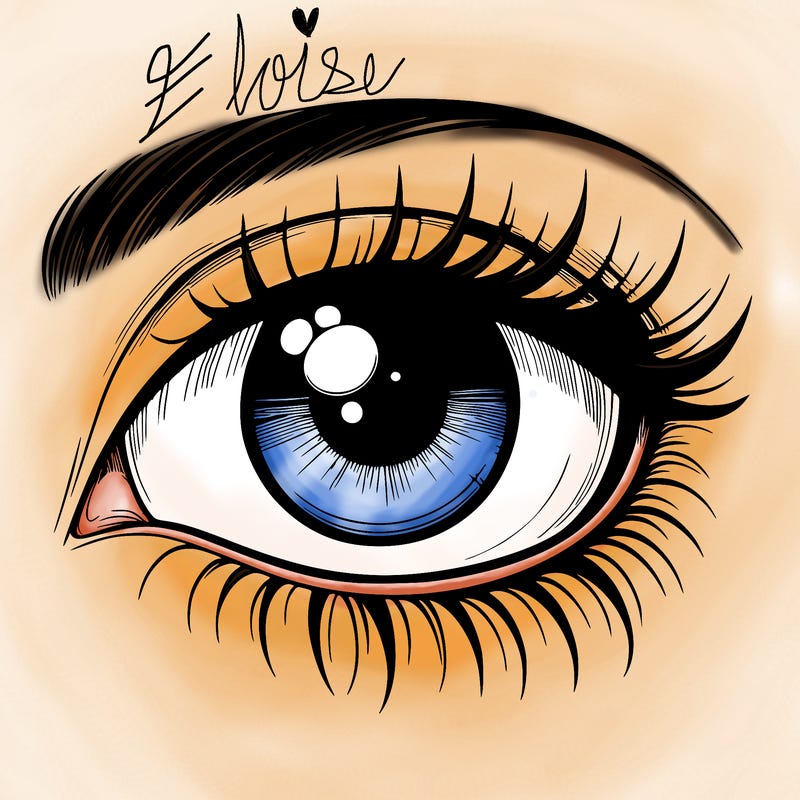

In case my handwriting was too illegible (im doing this by finger not with a drawing pen or anything) i will put the steps in better detail in the comments of this post :)
6 Likes 7 Kommentare
Lade Color Pop herunter und erstelle deine eigenen Ausmalseiten!


Kommentare (7)
You mean Apple pen?
That’s genuinely so beautiful
❤️❤️❤️❤️❤️❤️❤️❤️👏🙌
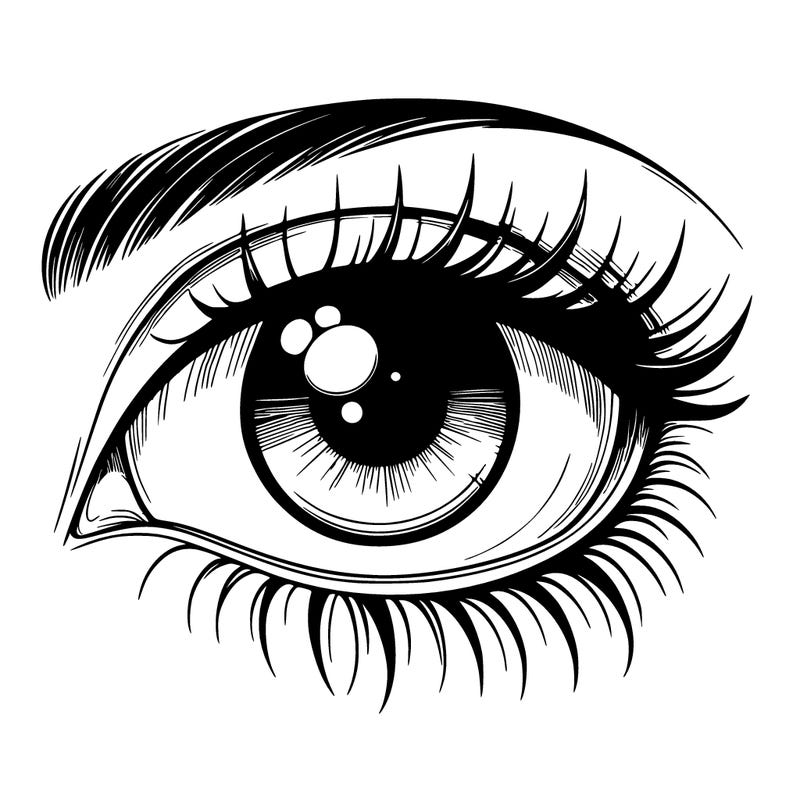
Step by step tutorial of how I draw Eyes 👁️ Tools you will use: Airbrush :) Step 1: Pick the eye color you want, I went with blue but any color works. Then after you click on said color, do the first DARKEST shade next to the middle shade. Using the AIRBRUSH tool, draw a thin-ish line at the bottom of the eye. Step 2: Once that first line is done, go to the next lighter shade (this should be the middle shade of the color you picked). Draw another thin-ish line above the first line, these lines should overlap some but make sure you can still see the first line. Step 3: Repeat step 2, using the next lighter shade. Again make sure they overlap but not too much. Step 4: Do the same thing with the next shade (this should be the second to lightest shade) Step 5: Now do the same thing for the last time, using the very lightest shade of your color. This line should be right up against the pupil. You should now have a nice, soft gradient. Step 6: Now that your eye color is complete, you will move on to highlighting. If the sketch already has a spot for pupil lighting like the one I did had, then all you will do is draw (with the airbrush) two faint, white lines going from the pupil to the bottom of the eye. If the sketch does not have a spot for pupil lighting then draw (also with airbrush) a small circle in white where the pupil light would normally be. After that, draw the two white lines below the circle. Step 7: Your eye is complete! Now just do the skin! Also shout out to @Axtek, she has an amazing tutorial on skin shading on her profile, I use most of her tips. If you have any questions ask me and I will try my best to answer! God bless y'all! ❤️