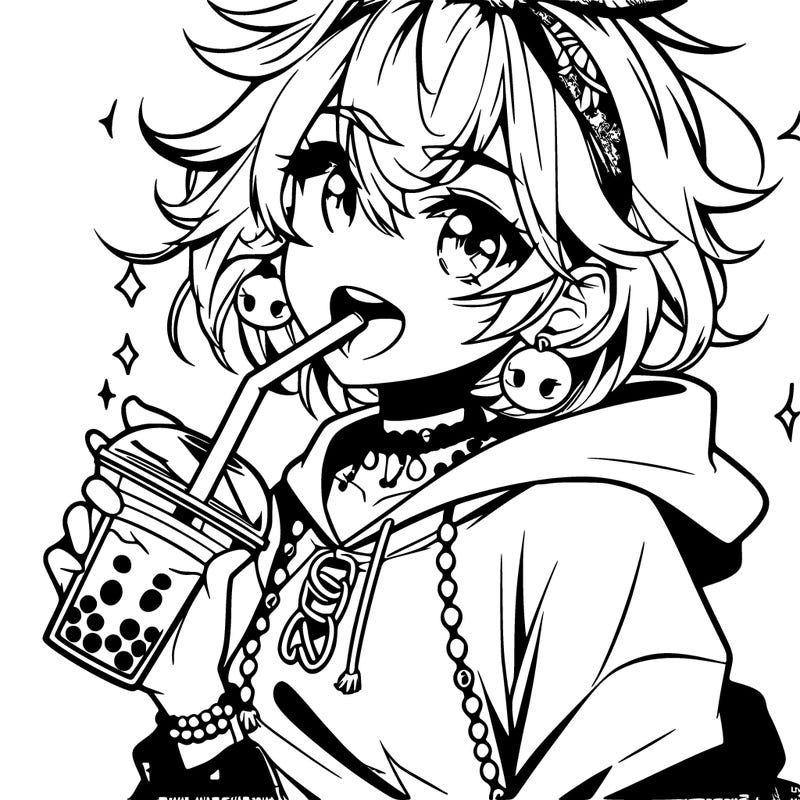


The #Clarkthesharkcomp. I hope I spelled that right and hope y’all like it.
51 Likes 11 Kommentare
Lade Color Pop herunter und erstelle deine eigenen Ausmalseiten!


The #Clarkthesharkcomp. I hope I spelled that right and hope y’all like it.
Lade Color Pop herunter und erstelle deine eigenen Ausmalseiten!
Kommentare (11)
I said shark
U forgot the sharks in her name but good job
Thank you
BRO ONLY 8 LIKES? YALL BETTER START LIKING THIS . NOWWWWW!!!!
Thank you all
Oh I forgot to mention on the glitch, the reason that the Word “glitch” looks better than the drawing is because the white space in between the spikes is supposed to go all the way through the black outline part. I just couldn’t do it on the character because u can’t go over those lines
Also, thank you for the likes and btw I think your art is really cool so I followed you
The glitch part of my other drawing was actually really hard to do. I put the red on one side of the black outline with blue on the other and switched it for the lines across so the red and blue were always facing each other. To make it “glitch”, I first tried using the smudge tool, but it didn’t look good. I ended up using the pen tool individually draw each of the spikes in red and blue. Then, I used the same tool with white to create spaces in between the colored spikes. Hope this helps!😊