Téléchargez Color Pop pour créer vos propres pages !
Commentaires (6)
AAK123
👍🏻
CEHope
Fire
AAK123
Cool
AAK123
Thank you SO much
Froppy
Also my favorite is the last one!
Froppy
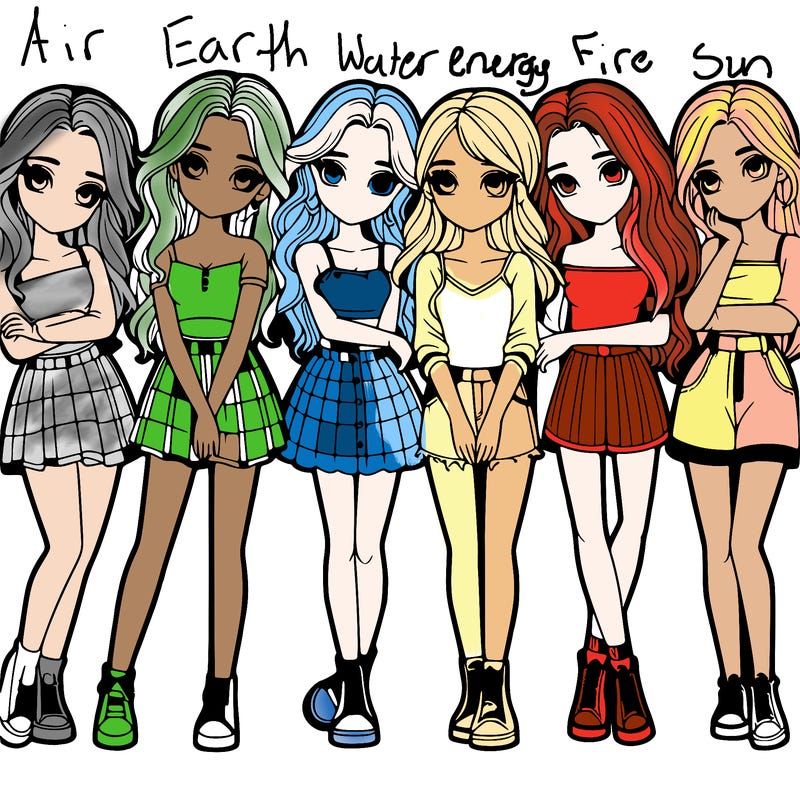
When you commented on my recent post you asked “how I did it” and I’m guessing you meant how did I get the light effect so here it is, I color the picture like I do normally, then I take the big brush tool (I think that’s what it’s called) then I pick the color black then I turn on the lines open feature then color all of it black, then it should look like the character is in a dark room, after that you pick a bright, maybe neonish color and highlight which parts you want(I picked the front and some other details. And tada 🎉 you have the effect. Bonus: I got the eyeshadow effect by using the pen( the brush with the thin lines) and then dotted big to small. So there you have it! (And if you didn’t mean the lighting and something else you can just let me know. 😊



Commentaires (6)
👍🏻
Fire
Cool
Thank you SO much
Also my favorite is the last one!
When you commented on my recent post you asked “how I did it” and I’m guessing you meant how did I get the light effect so here it is, I color the picture like I do normally, then I take the big brush tool (I think that’s what it’s called) then I pick the color black then I turn on the lines open feature then color all of it black, then it should look like the character is in a dark room, after that you pick a bright, maybe neonish color and highlight which parts you want(I picked the front and some other details. And tada 🎉 you have the effect. Bonus: I got the eyeshadow effect by using the pen( the brush with the thin lines) and then dotted big to small. So there you have it! (And if you didn’t mean the lighting and something else you can just let me know. 😊