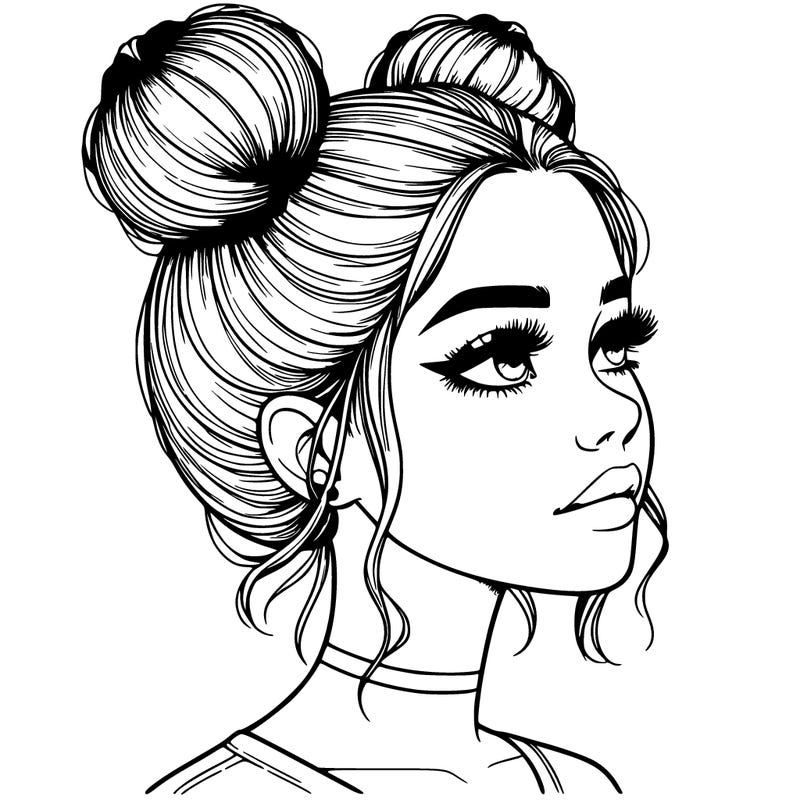


Heyyy, I’ve got a challenge for you!instructions: turn on grayscale and color and then turn it back off to see your results! This is how mine turned out, I’m pleased, btw more information in cmnts!
3 j'aime 1 Commentaires
Téléchargez Color Pop pour créer vos propres pages !


Commentaires (1)
Ok so first you go to settings and then choose accessibility, and then look for display and text size, then scroll until you find color filters, tap that and then turn it on, if you see your screen turns to black n white, dont think ur iPad/iPhone is broken, silly that’s grayscale,after you’ve turned that on, come back to color pop and color any picture or drawing, then tell me if you’re done and where would I find it, and the deadline and results are either on march 18/19, soo I’m waiting! (Sorry if you didn’t join)